HubSpot Development
Create a beautiful website that is easy-to-use and has the end users' goals in mind.




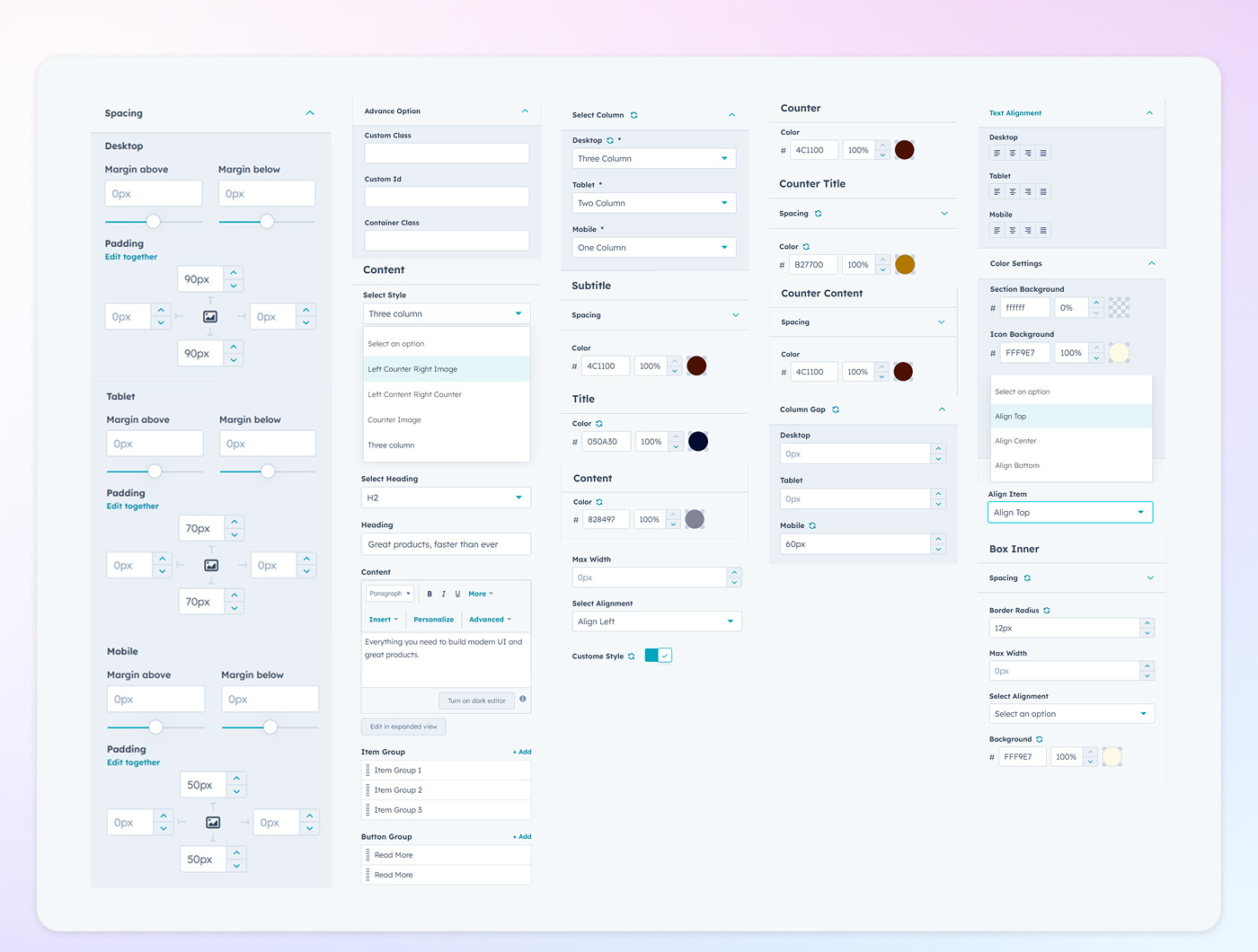
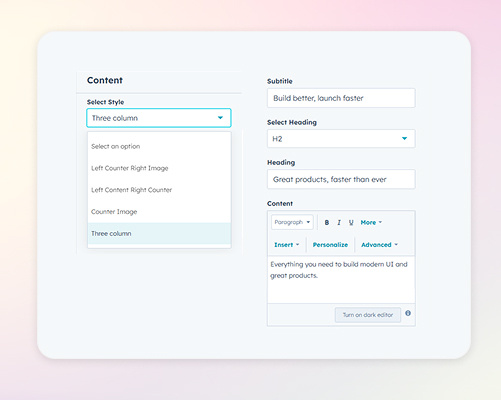
Choose from various layout styles to present your counters effectively. Options include a Left Counter with Right Image, Left Counter Right Image, Counter Image, and a Three-Column Layout featuring subtitles, selected headings, and content. Each style offers a unique arrangement, allowing you to display data in a manner that aligns with your design preferences.
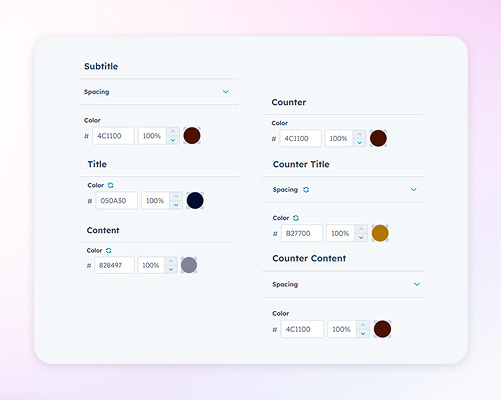
Customize the color scheme of your counter module by adjusting the colors of subtitles, content, titles, counters, counter titles, and counter content. These settings ensure that all textual and numerical elements align with your brand's visual identity, enhancing overall cohesion.
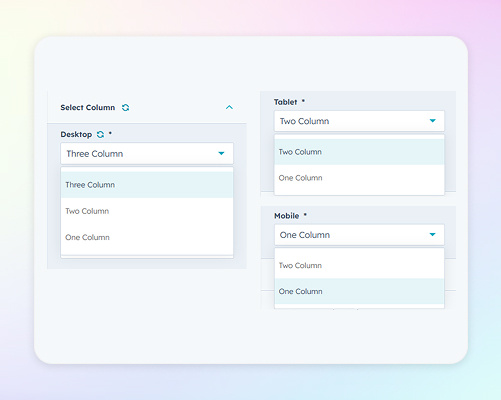
Define the number of columns displayed on various devices to maintain a responsive design. For desktops, choose between three, two, or one column layouts; for tablets, select two or one column; and for mobile devices, opt for two or one column configurations. These settings ensure that your counter module adapts gracefully to different screen sizes, providing a seamless user experience
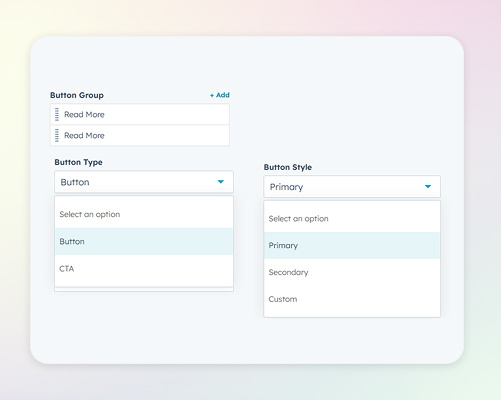
Incorporate interactive elements by adding buttons or CTAs within your counter module. Choose from primary, secondary, tertiary, or custom button styles to match your brand's design standards. Customize button text, links, colors, hover effects, and alignment to encourage user engagement and guide them towards desired actions.