HubSpot Development
Create a beautiful website that is easy-to-use and has the end users' goals in mind.




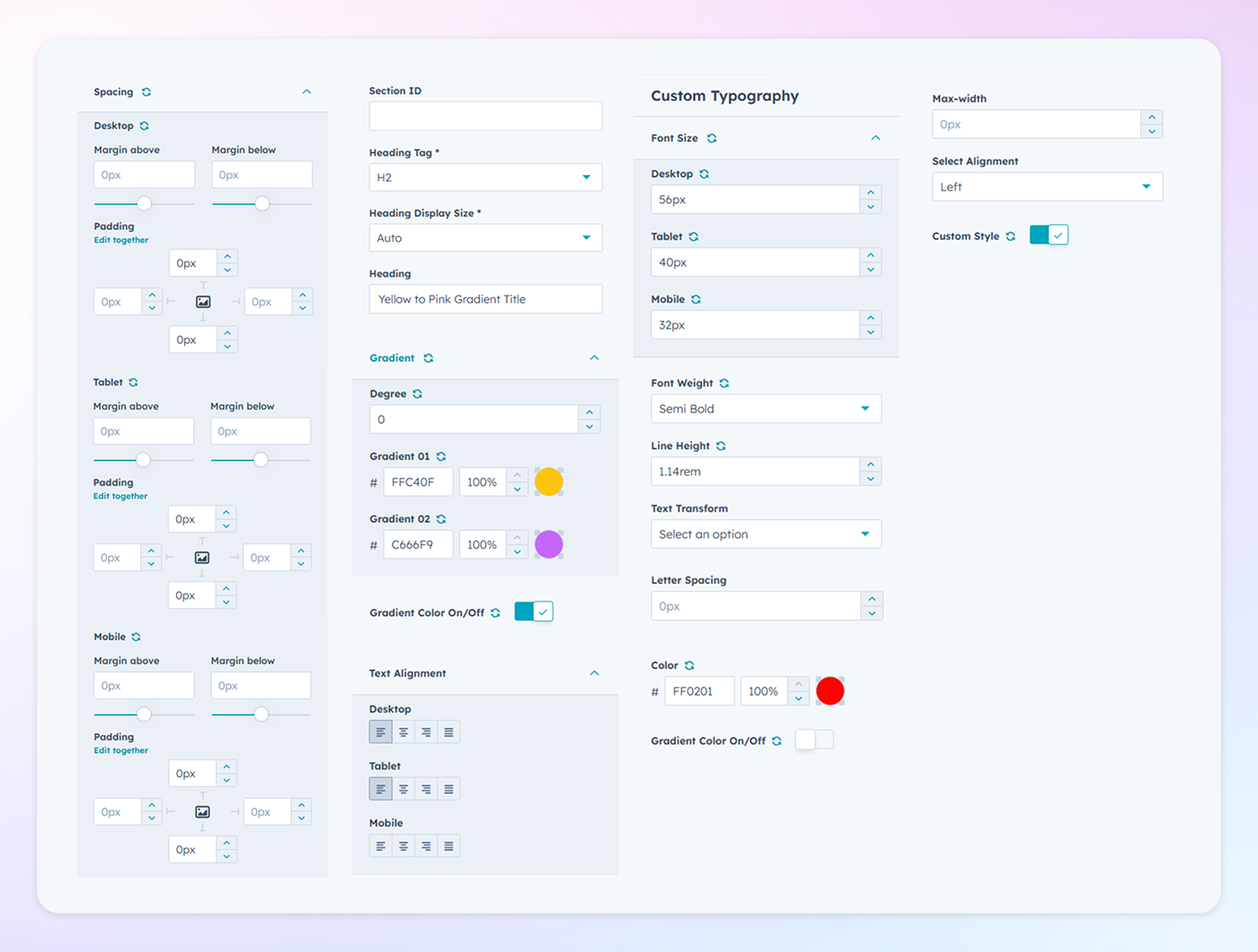
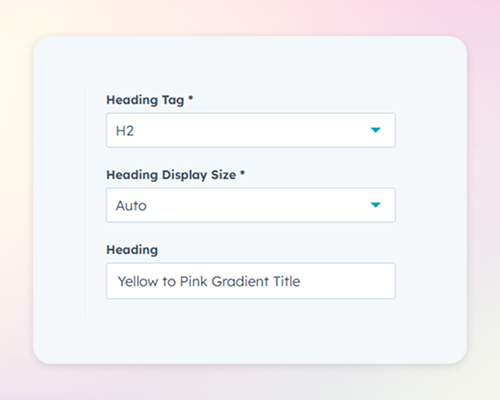
Choose the appropriate heading level (H1, H2, H3, etc.) to maintain semantic structure and improve SEO. Selecting the correct tag ensures that your content is both accessible and properly indexed by search engines.
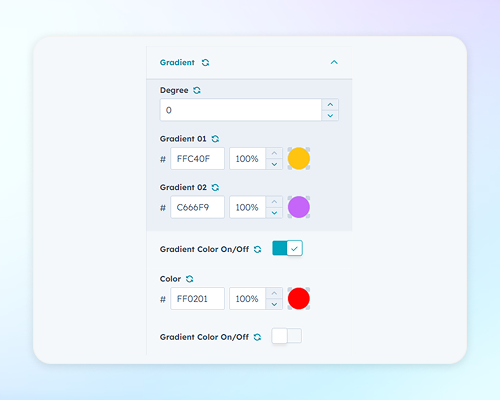
Select between a single color or multiple colors to create your desired gradient effect. Adjust the gradient's angle (degree) to control the direction of the color transition, allowing for a personalized and dynamic look.
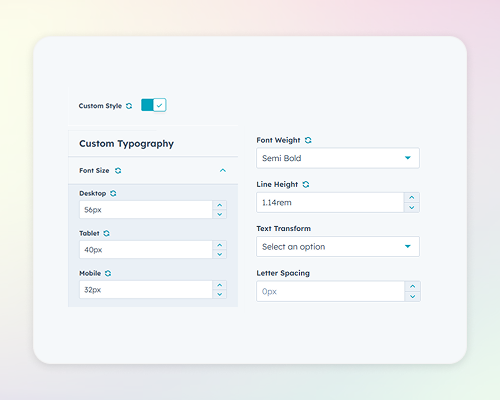
Modify font size for different devices (mobile, tablet, desktop) to ensure readability across all platforms. Adjust font weight, line height, text transformation (e.g., uppercase), and letter spacing to match your brand's typography guidelines.
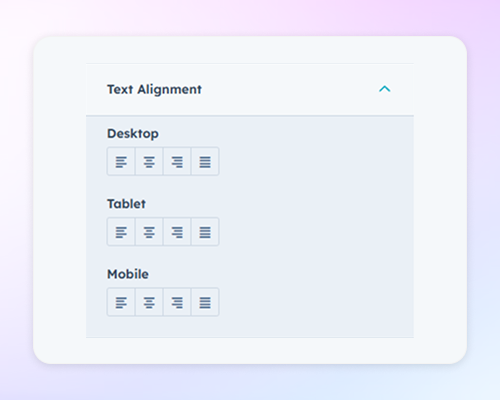
Align your gradient text to the left, center, or right within its container. Proper alignment enhances the visual flow of your content and contributes to a cohesive design layout.