HubSpot Development
Create a beautiful website that is easy-to-use and has the end users' goals in mind.




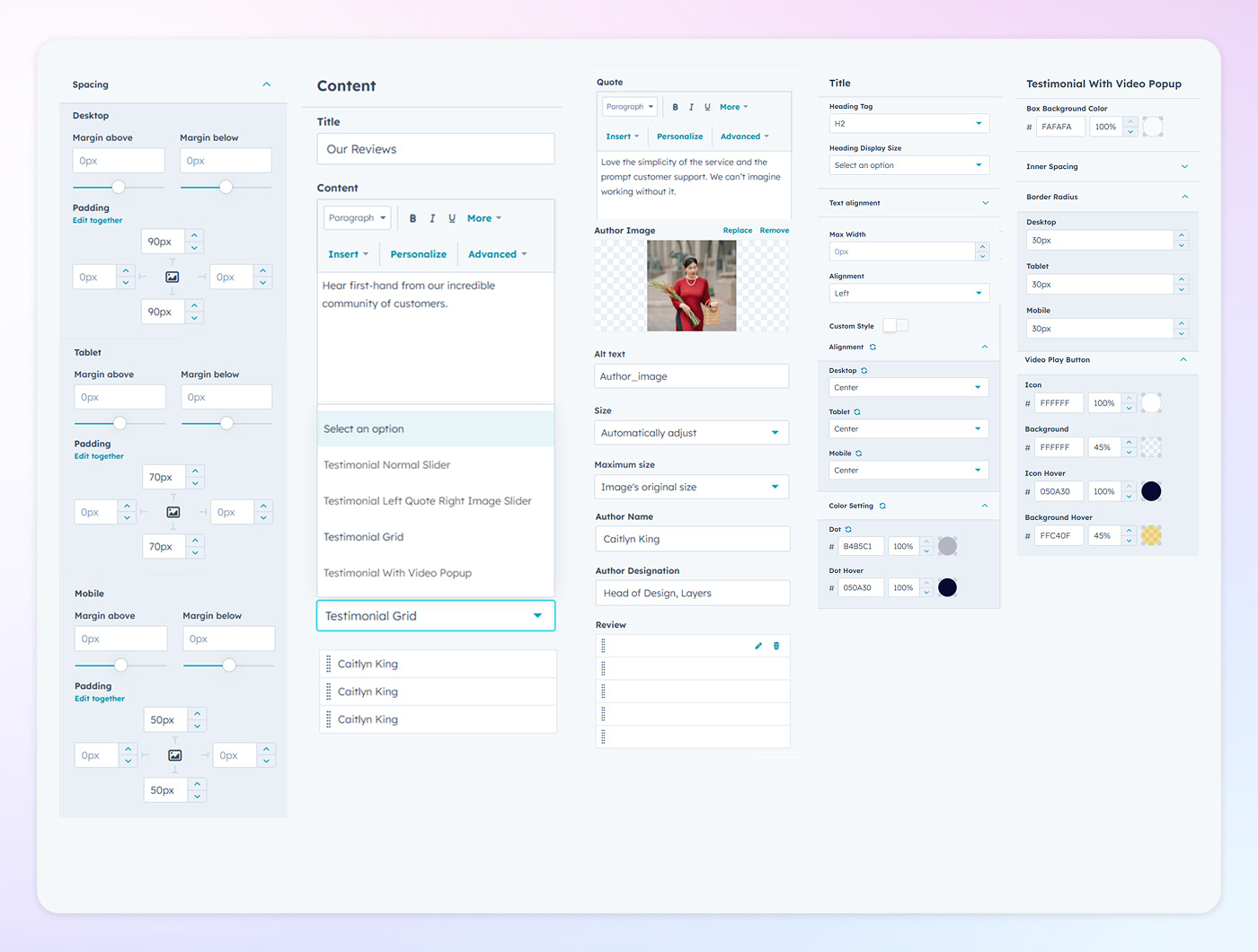
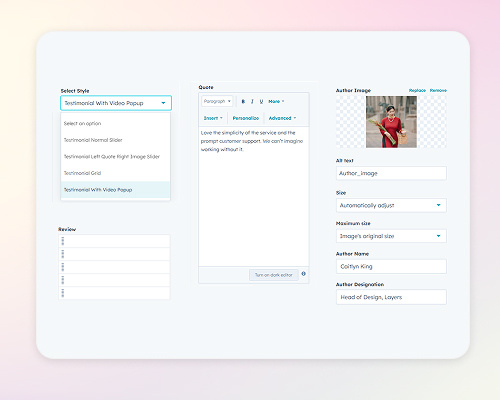
Choose from multiple layout styles to display testimonials: a Slider for dynamic transitions, a Popup Video for interactive media engagement, or a Grid layout for a structured and comprehensive view.
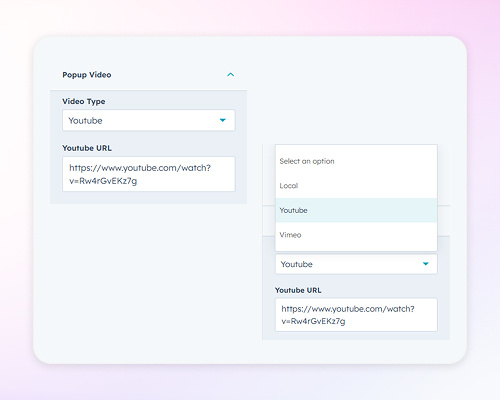
Enhance user engagement by incorporating video testimonials through popups. Support is provided for platforms like YouTube and Vimeo, allowing visitors to view client experiences without navigating away from the page.
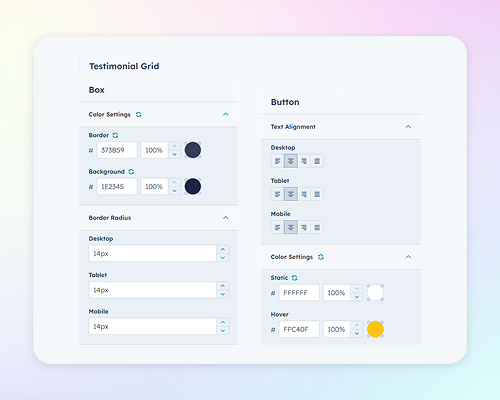
In the Grid layout, customize the border alignment and color to frame each testimonial distinctly. Adjust color settings for backgrounds and text to maintain visual harmony, and tailor the button color and alignment to guide user interactions effectively.
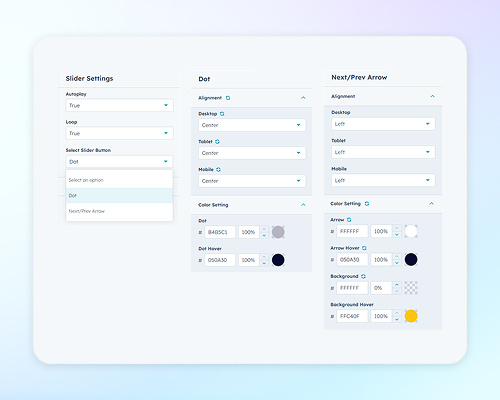
Configure the Slider with features like Autoplay for automated transitions and Looping for continuous display. Navigation elements such as Arrows and Dots can be enabled to allow users to browse testimonials at their own pace.
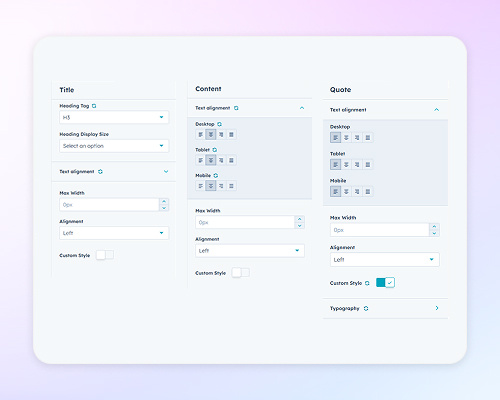
Adjust the font color, size, and alignment to ensure readability and brand consistency. Setting a maximum width for text blocks can enhance layout balance and prevent content overflow.
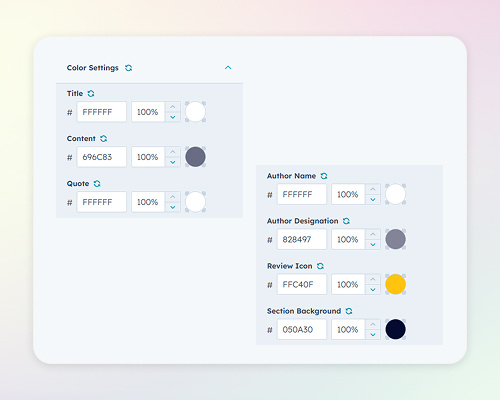
Define specific colors for various elements: Title, Content, and Quote text to highlight key messages; Author Name, Description, and Review Icon to attribute testimonials clearly; and the Section Background to distinguish the testimonial area from other page sections.