HubSpot Development
Create a beautiful website that is easy-to-use and has the end users' goals in mind.




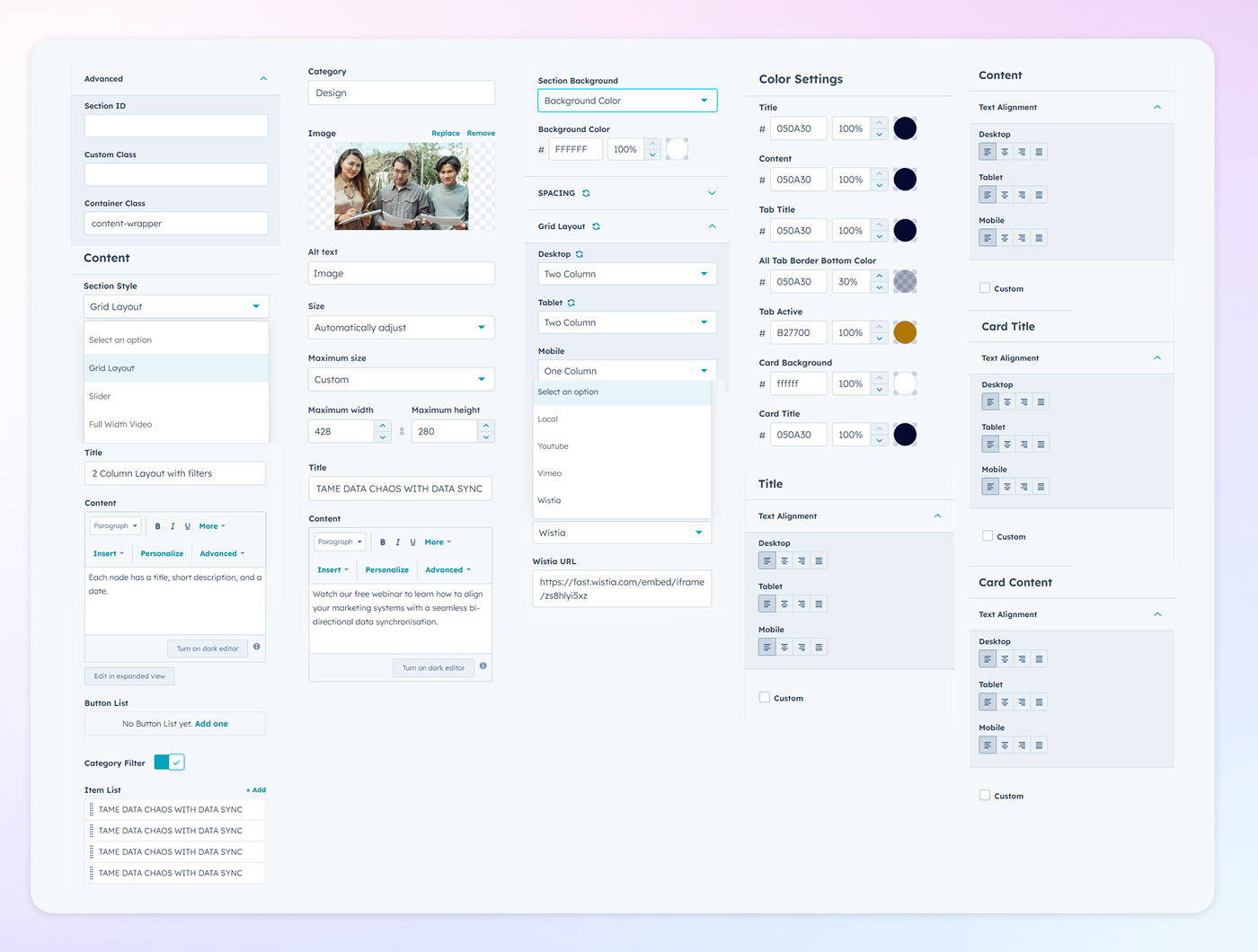
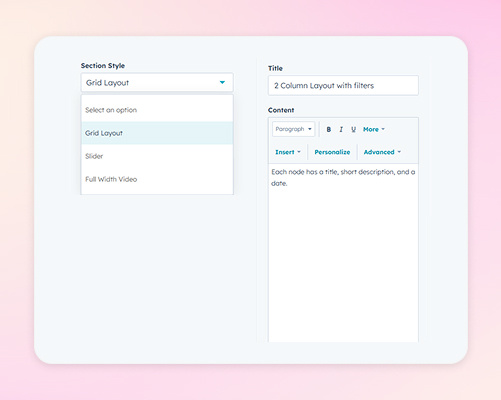
Choose from multiple layout styles to present your videos effectively. Options include a Grid Layout for displaying multiple videos simultaneously, a Slider for showcasing videos in a carousel format, and a Full-Width Video layout for emphasizing a single video prominently. Each style allows you to include titles and content descriptions to provide context and enhance user experience.
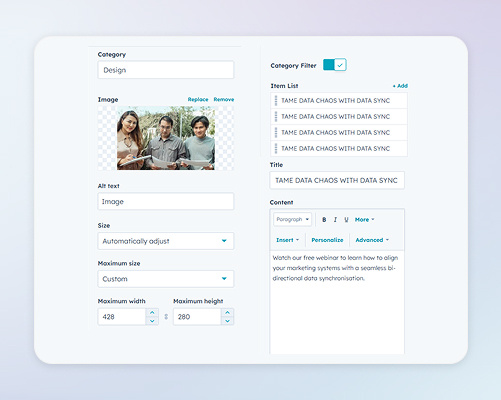
Implement category filters to allow users to sort videos based on specific categories. When enabled, configure settings such as displaying item lists, images, sizes, content, and links. This feature enhances user experience by providing organized and accessible video content.
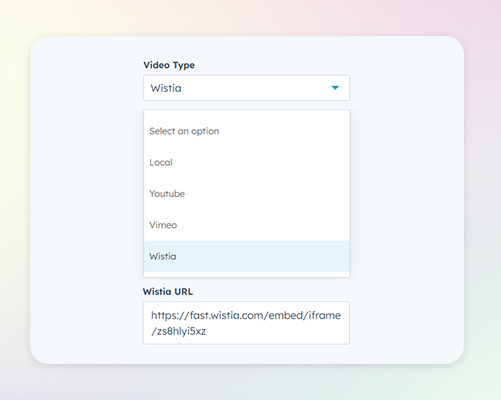
Integrate videos from various sources to suit your content strategy. Supported platforms include YouTube, Vimeo, Wistia, and Local video files. By accommodating multiple video types, the module offers flexibility in content management and presentation
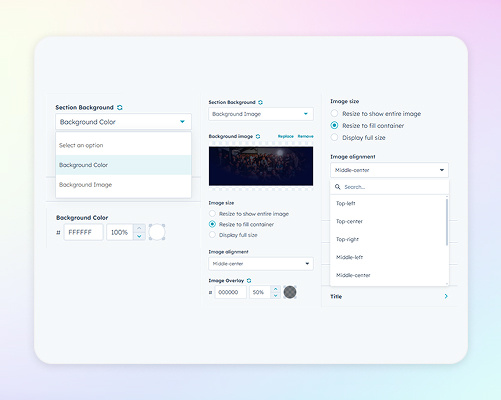
Customize the background of your video section by selecting a solid color or uploading a background image. Adjust the image size and alignment to fit your design preferences, and apply an overlay to ensure text readability and visual harmony.
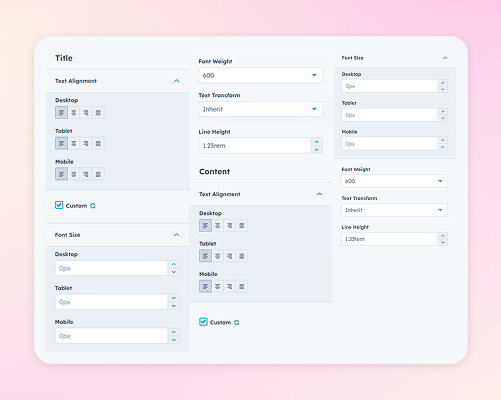
Adjust the textual elements of your video module by selecting appropriate heading tags (e.g., H1, H2), setting maximum width parameters, and aligning text as needed. Define font sizes for desktop, tablet, and mobile views to ensure readability across all devices. These settings allow you to present titles and content clearly and attractively, maintaining consistency with your brand's typographic standards.
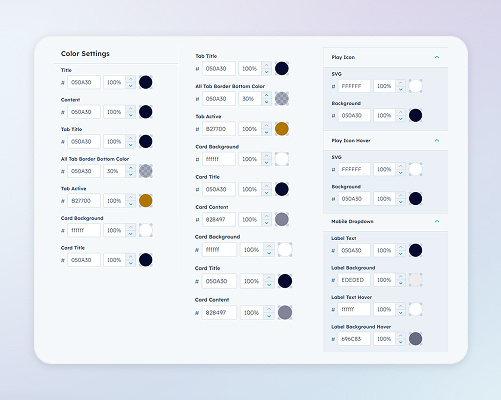
Tailor the color scheme of your video module by setting specific colors for titles, content, and backgrounds. Additionally, configure the box settings by setting background colors and adjusting border radius values for desktop, tablet, and mobile devices. These settings enhance the visual appeal and responsiveness of your video section.